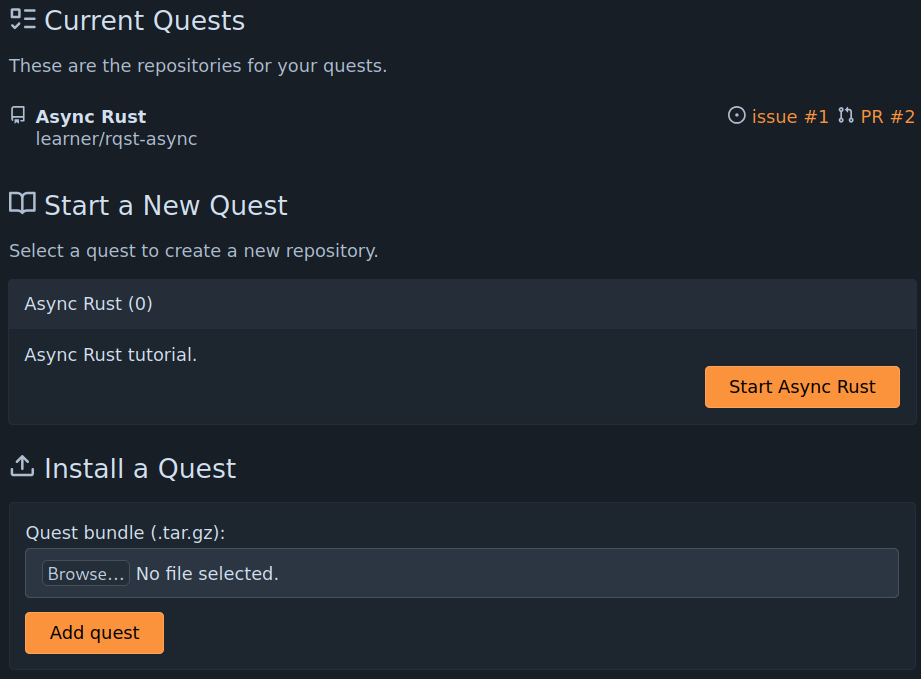
Adding a quest
Once you are logged into RepoQuest, the home page will include a section labeled "Install a quest". Select a quest bundle using the "browse" button and then click "add quest" to add the quest to the RepoQuest instance. If the quest is successfully added, a new entry will appear in the "Start a New Quest" section.