Using a reference solution
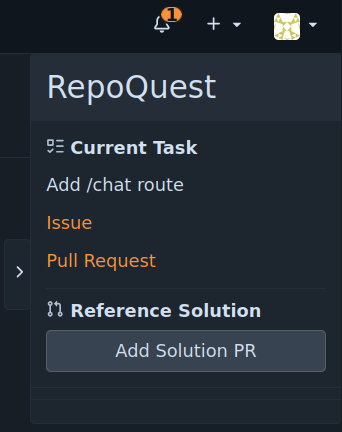
If you require a reference solution for a chapter, press the "Add reference solution" button in the top right of the quest repository interface. The reference solution will be added as pull request into the branch for the current chapter's task.
You can then browse the reference solution or make use of the solution by merging into the branch for the active chapter's task. If you do so, you will still need to finish the chapter by merging the task branch into main.